Status at a glance
Check whether the configured workflow and its relevant connections report normal operation or need investigation.

Monitoring dashboard
Follow signals, order statuses and connection alerts from a single operational view.
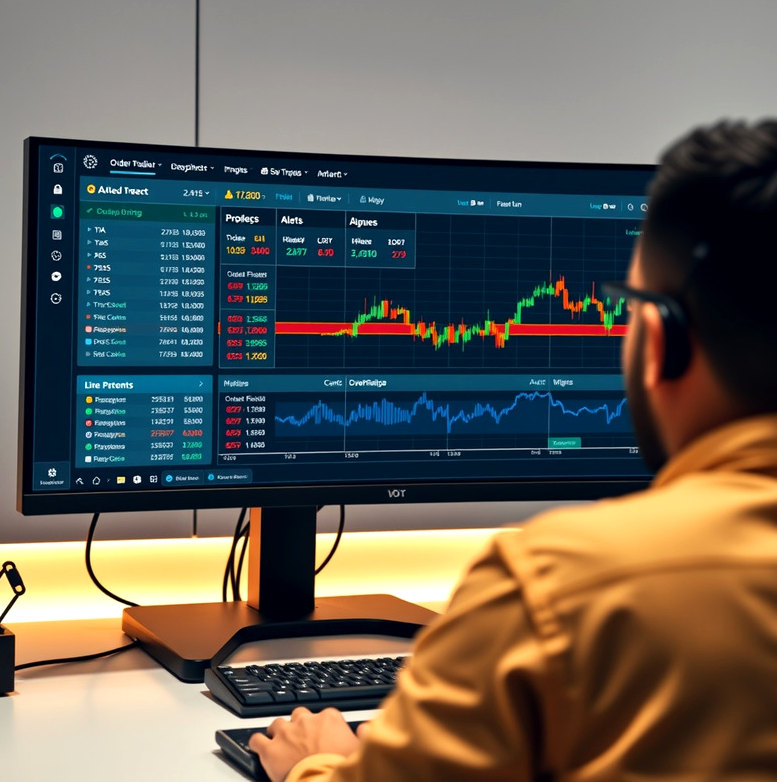
We configure a dashboard around the events your workflow records: evaluated signals, submitted instructions, broker responses and connection status. Initial setup usually takes several working days after the underlying workflow is available. You receive a dashboard layout, alert settings and a walkthrough of how to investigate an event. The view supports oversight; it does not replace broker statements, independent account checks or a person deciding what to do when conditions change.
An event indicating that configured strategy conditions were met. A signal does not necessarily mean an order was submitted.
An instruction sent toward a connected broker. Its status must be checked against the response returned.
A response indicating that an instruction was not accepted. The reason may come from platform settings or the broker.
A notice that a data or broker connection needs attention. Check the affected period before interpreting activity.
A time-ordered record used to trace what the workflow evaluated, attempted and received in response.
A dashboard is useful when you can allocate time to review alerts and compare important activity with your broker account. It is not an unattended supervision service. Notifications can be delayed by device settings, network outages or external providers, so define a review routine that does not depend on one alert channel alone. We explain where to find exception details and how to pause new submissions while you investigate an issue.

Check whether the configured workflow and its relevant connections report normal operation or need investigation.
Open the record behind a signal or order status instead of relying on a headline number.
Choose available notifications for operational exceptions and review them as part of a regular account-check routine.
Tell us which events and exceptions matter to your review routine.
Discuss a dashboard