A bot can decide what to trade for me
The tool follows the strategy you configure. It does not determine whether that strategy suits your circumstances or whether a market is worth entering.

Automate the process. Keep the decisions.
Configure an automated workflow, inspect each step and keep control of the rules your account follows.
Explore the tools
Tamegallery turns a defined trading strategy into a workflow that can evaluate conditions, submit eligible orders and record what happened. The useful starting point is not a promise about the market; it is a clear description of your entry, exit and position rules. We help translate those instructions into settings you can review. You decide whether a strategy is suitable, which broker account to connect and when the automation should be paused.
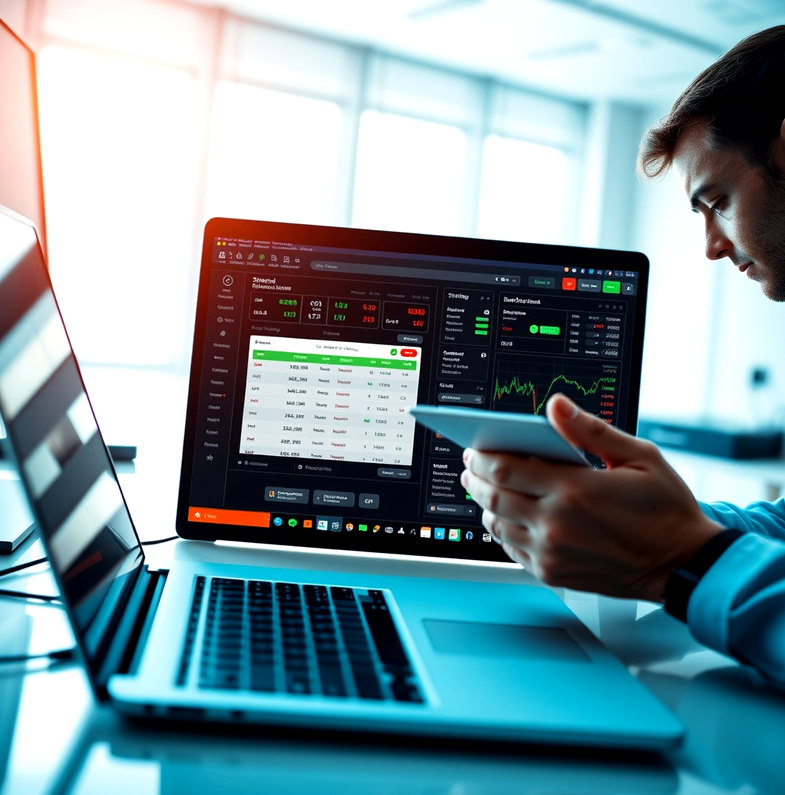
The tool follows the strategy you configure. It does not determine whether that strategy suits your circumstances or whether a market is worth entering.
A backtest describes how rules behaved on selected historical data. Spreads, liquidity and changing conditions can make live execution different.
A connection enables order submission under your settings. You still need to inspect activity, review alerts and know how to stop the workflow.
Express entry and exit conditions as configurable rules, then review the sequence the system will follow before enabling it.
Replay rules against historical data and inspect assumptions, trade records and periods that deserve a closer look.
Set operational limits such as position size and pause conditions. Controls constrain instructions but cannot remove market risk.
Connect a supported account, test permissions and examine the order path before considering live use.
See orders, alerts and connection status together so exceptions are easier to investigate.
A few practical checks make the setup easier to inspect and maintain.
Review the conditions behind an attempted order and the response returned by the connected broker, rather than relying on a summary alone.
Keep the operational settings in view when you change a strategy. Recheck them whenever account circumstances or market conditions change.
Connection errors and rejected orders need attention. Monitoring helps you find them; it does not resolve every external interruption automatically.
Compare the available tool limits and support options, then ask us about anything that is unclear.
View pricing